Digital Locks and Code Rotation: A Routine After Every Stay
A smart lock is only ever as good as the routine behind it. A code that never changes is a key that never comes back, and guests pass it on without meaning any harm. This guide sets out the short post-stay routine that keeps a digital lock honest, and what to do when a code has travelled.
A smart lock is only ever as good as the routine behind it. Rotate on a schedule nobody has to remember, and the lock stops being the weak point.
Last updated: September 27, 2026
A physical key has an end baked into it. It exists in one place, and when the guest leaves, it comes back. A code has no such end. Once a guest has memorised it, the code still opens the door tomorrow, next month, and next year, and nothing about the door tells you. That's the whole risk of a digital lock — not the hardware, but the absence of a moment when the key is handed back.
Key Takeaways
- A shared code is a key nobody returns. It keeps working long after the stay, and the door won't tell you who still has it.
- Rotation is a routine, not a decision. Put it on the departure, not on your memory, or it won't happen in a busy week.
- Every code needs an owner and an end date. One code per person, with a window you can close, beats one code for everyone.
- Revoking is part of giving access. Cleaners and contractors need codes you can take away without touching anyone else's.
- When a code travels, rotate the set. You can't chase the one leak, so you close every copy at once.
Why a shared code quietly turns into a permanent key
Guests don't treat a door code as a secret the way you'd hope. They give it to a partner who arrives later, a friend who's meeting them, a delivery driver at the door. None of that is malicious, and none of it is unusual — it's just how people use a number that's easier to pass on than a key. The problem is that every one of those shares is invisible to you.
A guest code also has no natural expiry. A key gets collected, or it doesn't and you notice. A code that stays in the lock simply keeps working, and the log that would show you who used it is the thing you have to remember to open. So the lock quietly becomes a permanent key with an unknown number of copies.
That's why the honest framing isn't "the lock is secure". It's "the lock is secure as long as the code behind it is current". Hardware that supports rotation is doing its job; the gap is almost always the routine, and routines fail when they depend on you remembering rather than on a trigger.
The routine that runs after every departure
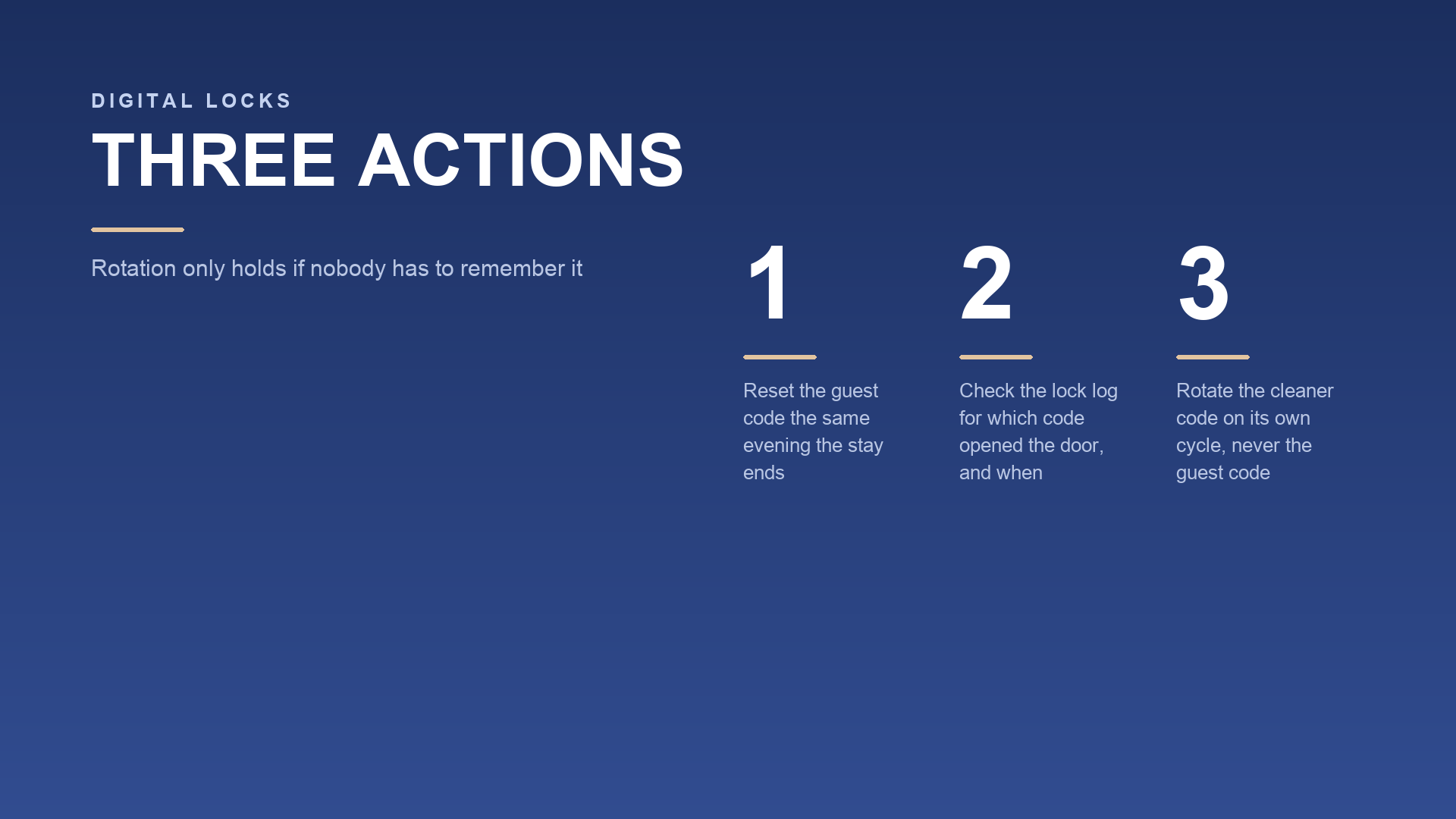
Attach the rotation to the departure, not to a day of the week. A checkout is a trigger that already exists, which makes it the right anchor — no calendar reminder, no judgement call about whether it's been long enough. The steps are short enough to run in a couple of minutes, and they're the same every time.
Reset the guest code first. Not "when you get to it" — when the stay ends. If a cleaner is coming in before you rotate, give the cleaner their own code instead of letting the guest code bridge the gap.
Check the access log before you clear it. The log tells you when the door opened and, on most systems, which code did it. Look for unlocks that don't match the stay: an entry the day after checkout, a pattern at an odd hour, a second code used when only one guest should have had one.
Confirm the change actually took. A rotation you didn't verify is a rotation you're guessing about. Check the new code works for whoever needs it next, and that the old one no longer opens anything.
Reconfirm the people who hold standing access. Cleaners, contractors and anyone with a long-running code should still have a window that's open for a reason. A standing code with no end date is the same problem as the guest's, just slower.
Log it. One line, with the date and what changed. Not because anyone will audit it, but because "did I rotate after the last stay?" is a question you shouldn't have to answer from memory.
Checking a guest in or out, extending a stay or moving someone to another unit are write actions, and on overseas properties they run with human confirmation rather than on their own. That matters for a lock routine too: the system can hold the record, but the decision to close a door on someone's access stays with you.


Holding codes for cleaners, contractors and repeat guests
Standing access is where a lock routine usually leaks, because the people who need a code aren't guests and don't leave on a checkout date. The fix is to give every one of them their own code, tied to a window, so you can close exactly one door without disturbing the rest.
Cleaners need access on turnover days, and their window should match the cleaning slot rather than run continuously. A contractor needs access for the duration of a job, and nothing after it. If two people share one code, you can't revoke either of them cleanly — you'd have to change the code for both and redistribute it.
Repeat guests are the most tempting exception and the worst one. It feels generous to tell a returning guest they can keep the code from last time, but that code has been out in the world for months, and you've had no way to know who copied it. Give them a fresh one. The five seconds it costs you is the entire point of the routine.
Keeping this straight is the hard part, not the rotation itself. That's a records problem, not a lock problem. When a booking, the guest record and the access note for a stay sit together at localsbnb.com, revoking a code stops depending on your memory. Guest details are held in masked form. The lock credentials themselves stay on your side, not in the platform's records. You're closing a door, and the door you're closing is named.
What to do when a code has travelled further than you intended
Sooner or later you'll get the evidence. A neighbour mentions a stranger on the stairs, a guest admits they passed the code on, or a supply goes missing with no forced entry. The instinct is to work out who did it. Ignore that instinct, because you can't act on the answer.
Rotate the whole set, not the one code you suspect. If you can't tell which copy leaked, every copy is suspect, and closing one while leaving the others open leaves the door open. Change the guest code and every standing code in the same pass, then redistribute only to the people who still need access.
Tell the current guest plainly, without a story. A short note — "I've updated the door code for security, here's the new one" — reads as normal practice, and it's true. Guests don't need the backstory, and offering one invites a conversation you don't want in the message thread.
Then write it down, and change one thing about how the code was issued. If the leak came from a code shared between two people, split it. If it came from a code with no end date, give the next one a window. The rotation closes today's hole; the change to the routine is what stops the same one opening again.

FAQ
How often should I change the guest code?
After every departure is the honest answer, because that's the only moment you know a stay has ended. Tying it to checkout also means you don't have to decide when it's "been long enough", which is the judgement call that gets postponed.
Can cleaners and guests share one code?
They can, and it's the most common mistake. A shared code can only be revoked for everyone at once, so a cleaner leaving the roster forces a change that also locks out whoever's mid-stay. One code per person, one window each.
What if a guest won't use the lock at all?
Then the routine needs a physical fallback with its own rule — a key in a box, or a person who can let them in — and that fallback has to be rotated too. A backup route with a permanent combination is just a second key nobody returns.
The lock isn't the weak point. The absence of a moment when access ends is, and that's something a short routine fixes. Reset on departure. Give each person their own code with a window, and revoke what's no longer needed. Keep the record of who had access where you can read it — the same place the stay itself lives, at localsbnb.com.
This article is general guidance for hosts and is not legal, building-code or platform policy advice; lock hardware, local access rules and current platform terms prevail.
Reviewed by
Localsbnb Editorial Team